Create process diagrams at the speed of conversation.
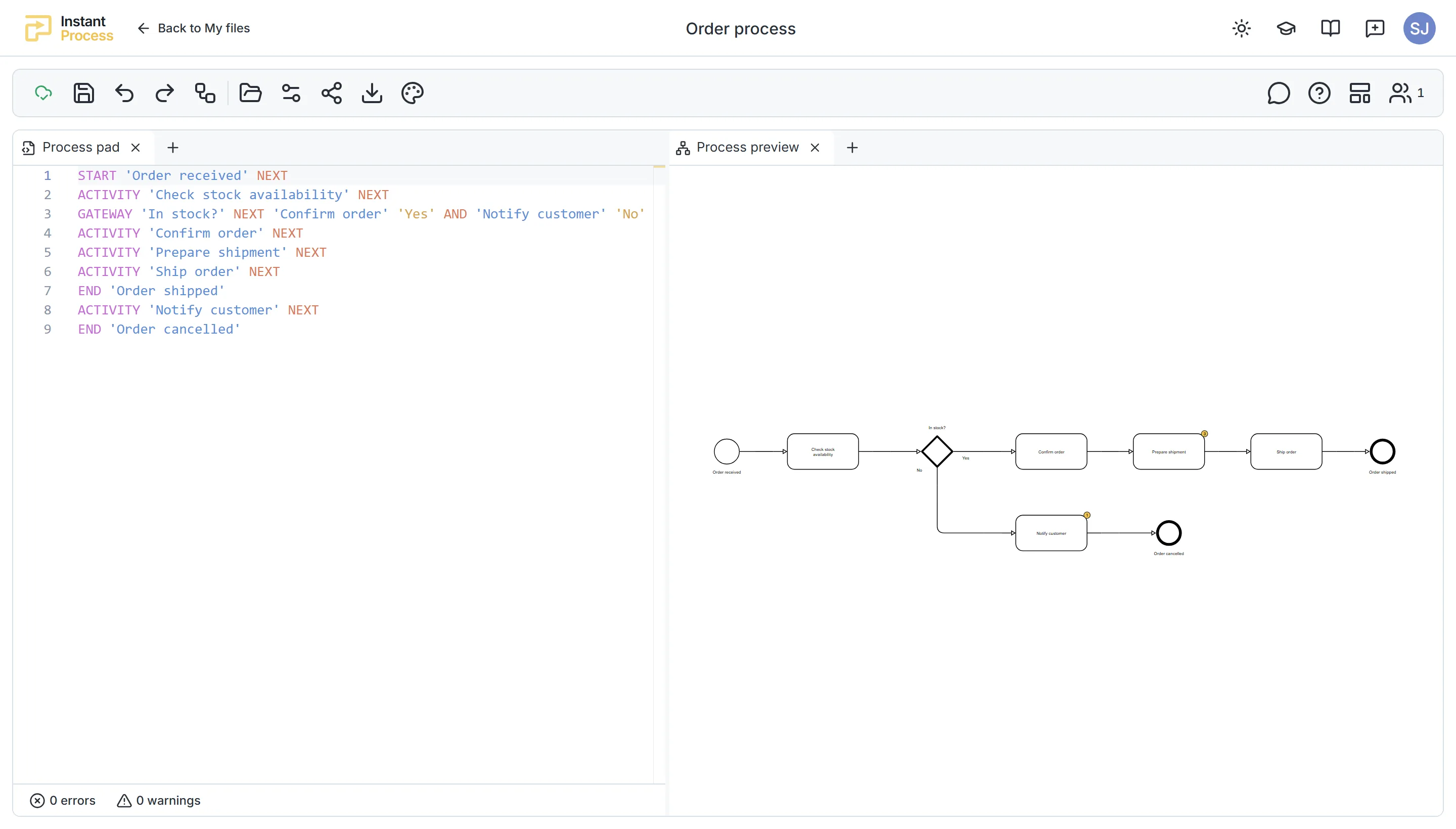
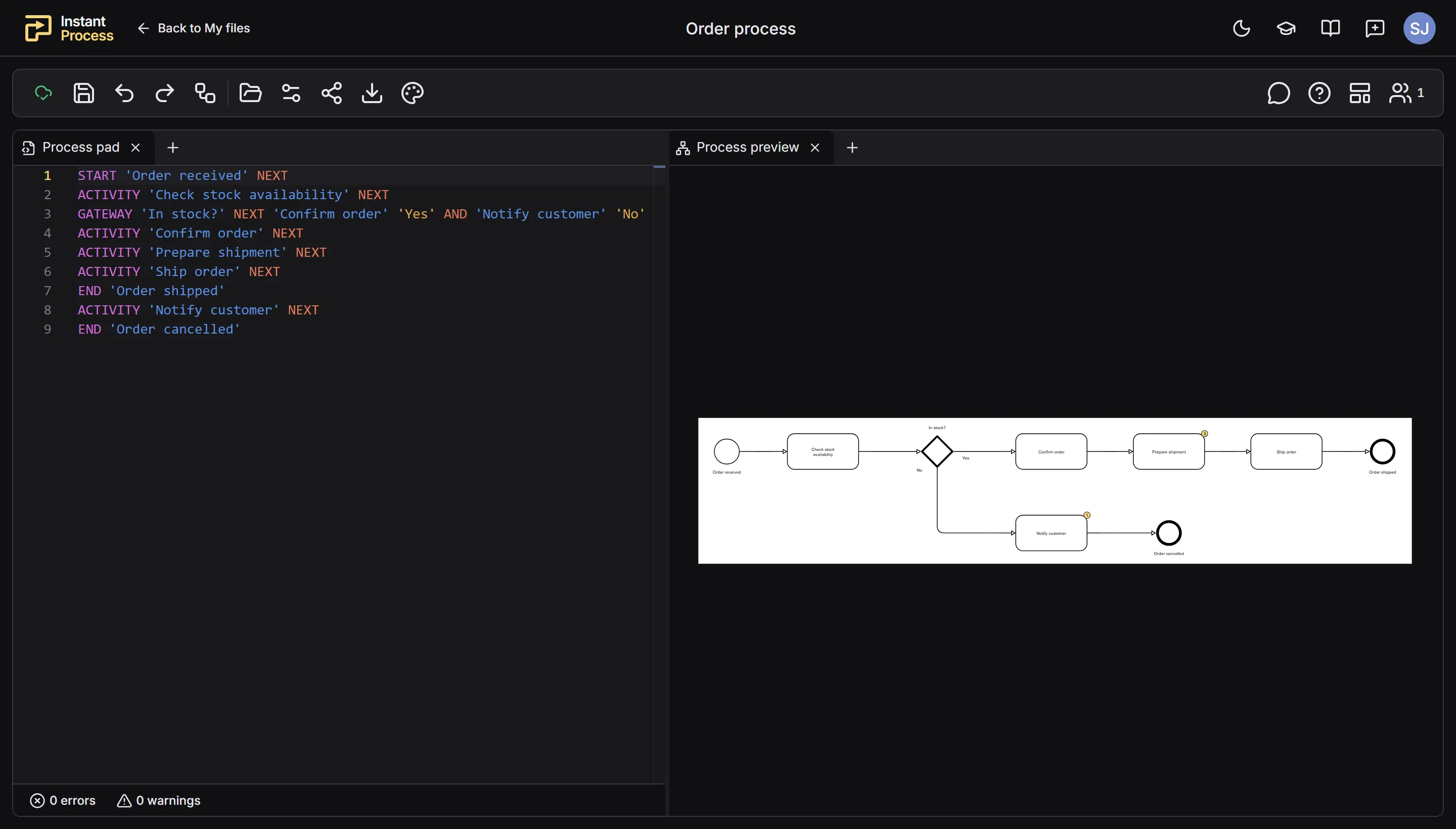
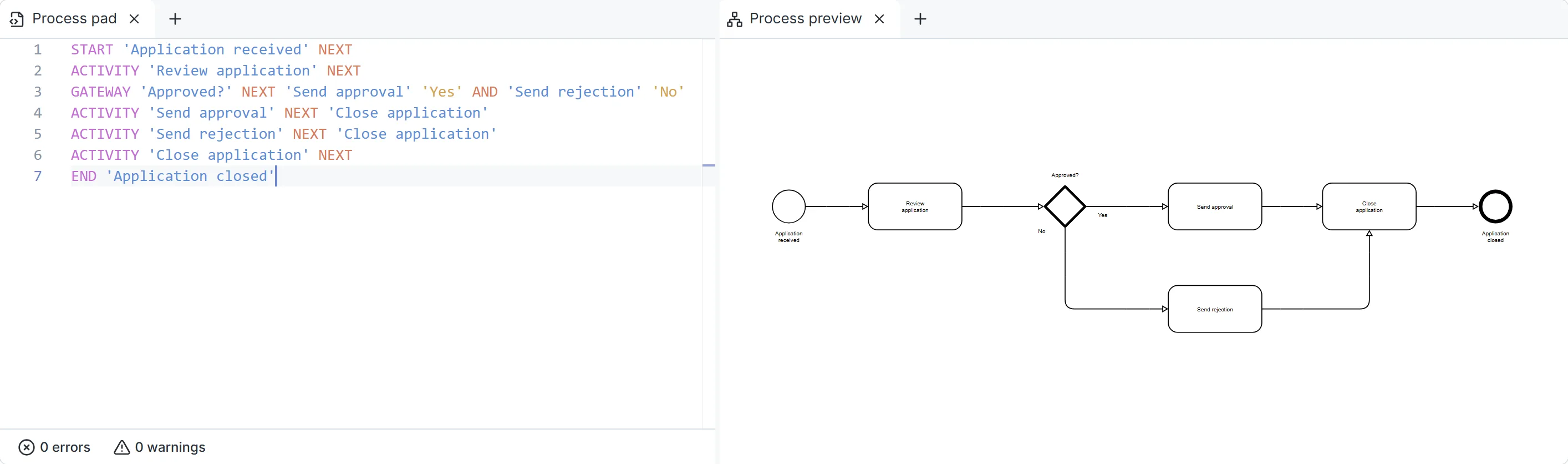
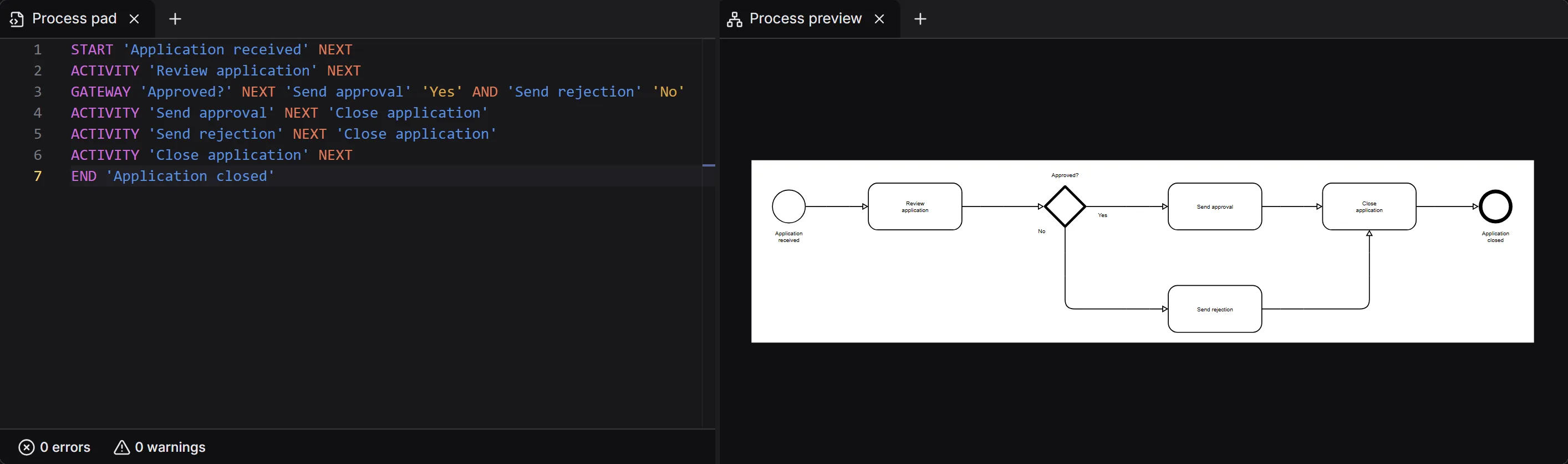
Describe your process in text and get a BPMN diagram instantly.
Traditional BPMN modeling tools require users to manually place, connect, and adjust diagram elements. Instant Process takes a different approach.
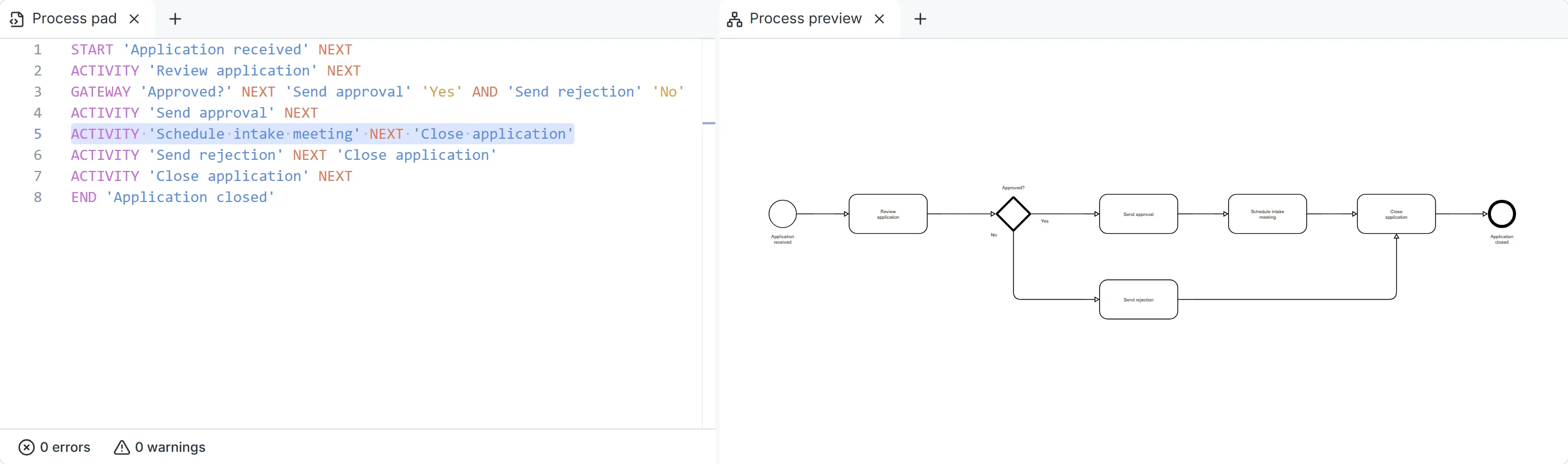
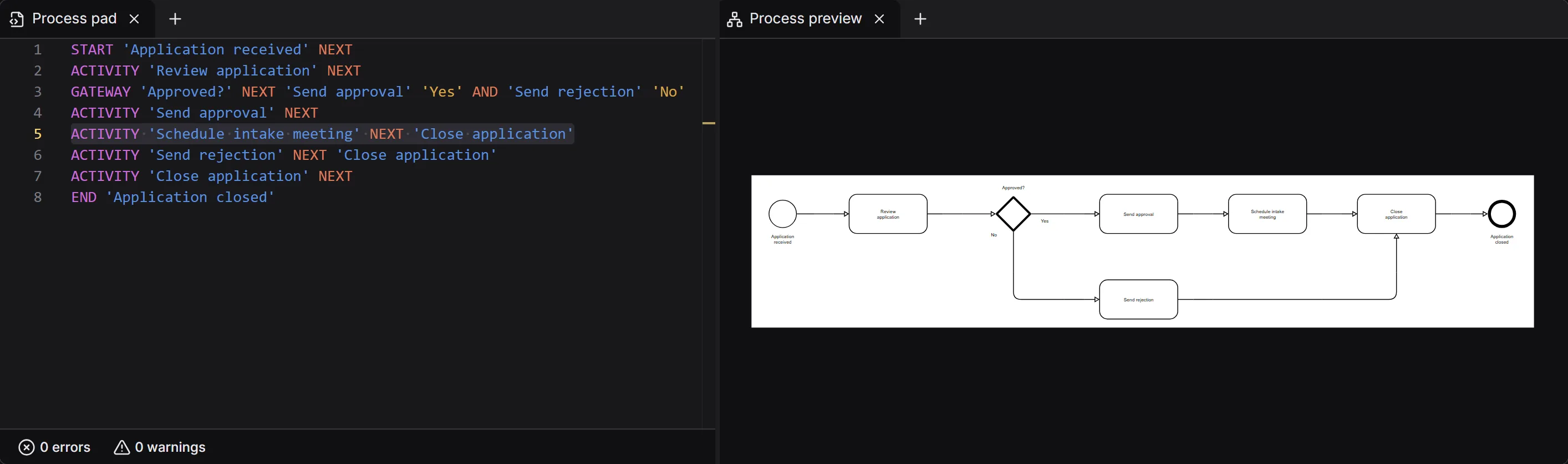
We have developed a unique, easy-to-learn modeling language specifically designed for fast business process modeling. Instead of drawing diagrams, you describe process steps, decisions, and relationships in text. Instant Process automatically converts your input into a visual BPMN diagram that updates as you type.
Combined with our modeling method, this allows users to capture processes at the speed of conversation. You can model processes during meetings and workshops, immediately visualize what is being discussed, and validate the results with stakeholders.
Get insights and improve your processes with AI.
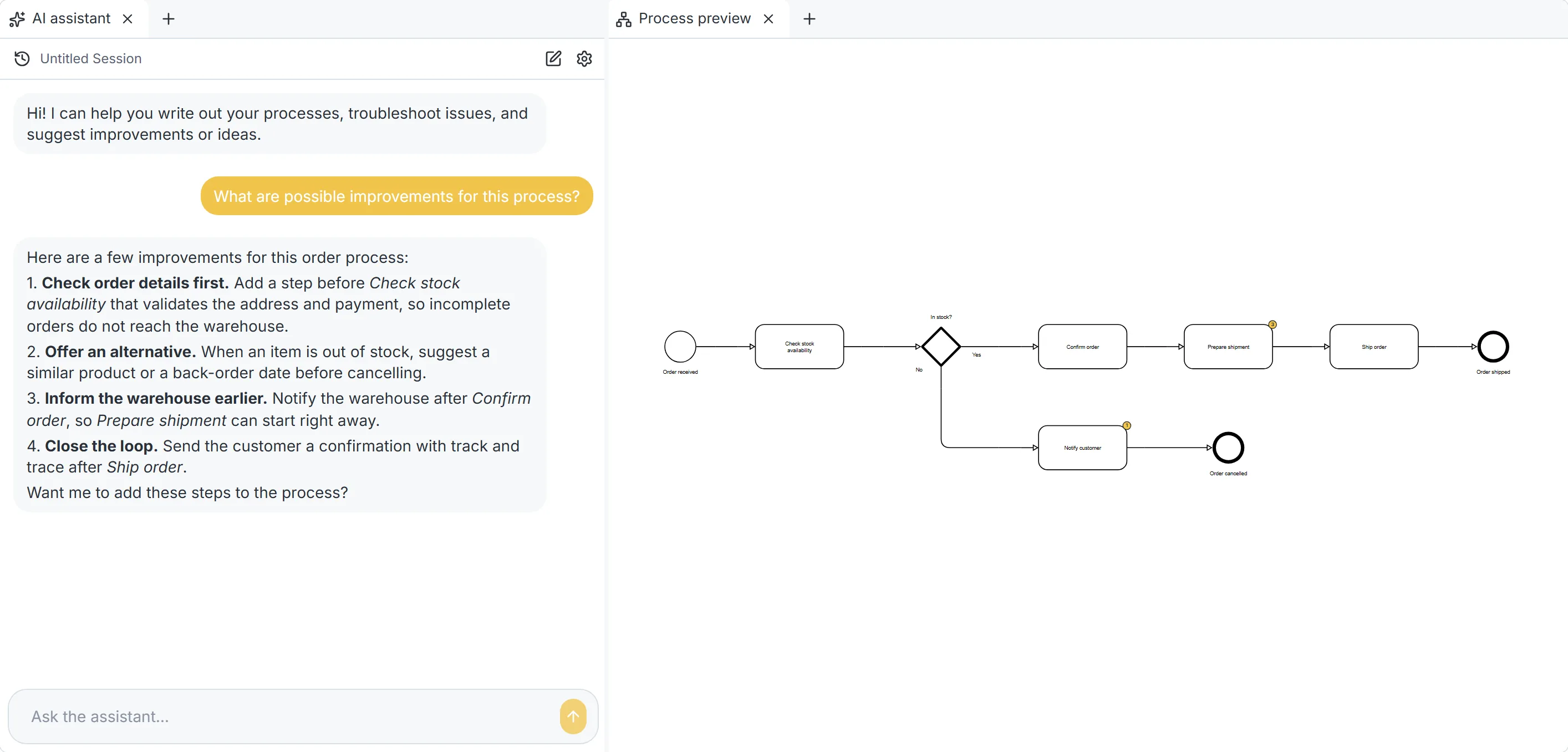
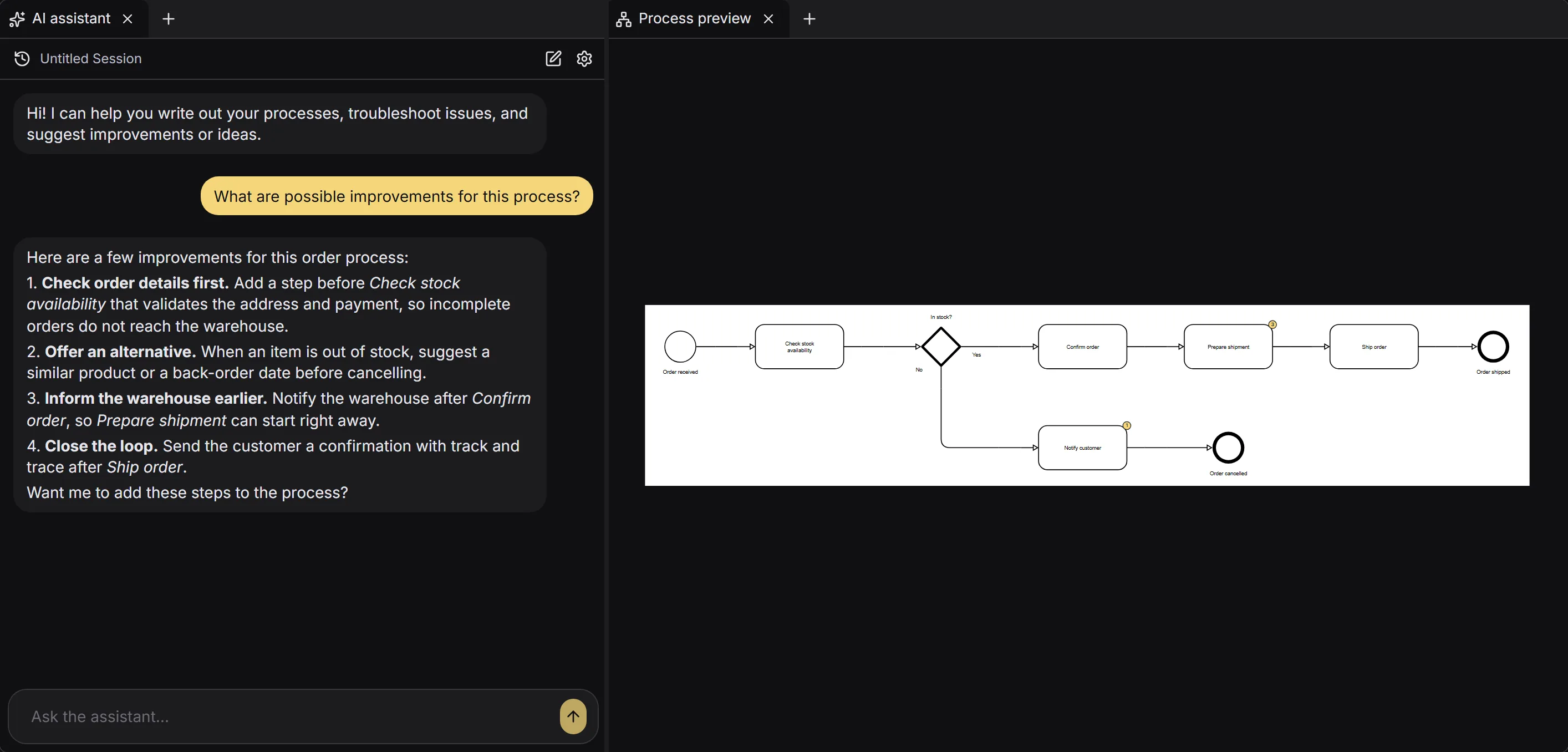
Our AI assistant helps you better understand, validate, and improve your business processes.
Ask questions about your process model, identify missing information, and explore opportunities for improvement. The assistant can help you review process structures, recognize potential bottlenecks, and suggest improvements.
Rather than replacing the person modeling the process, AI supports your analysis while you remain in control of the process model.
Work together and keep processes up to date.
Business process modeling is rarely an individual activity. Instant Process makes it easier to work together with colleagues, process owners, and stakeholders.
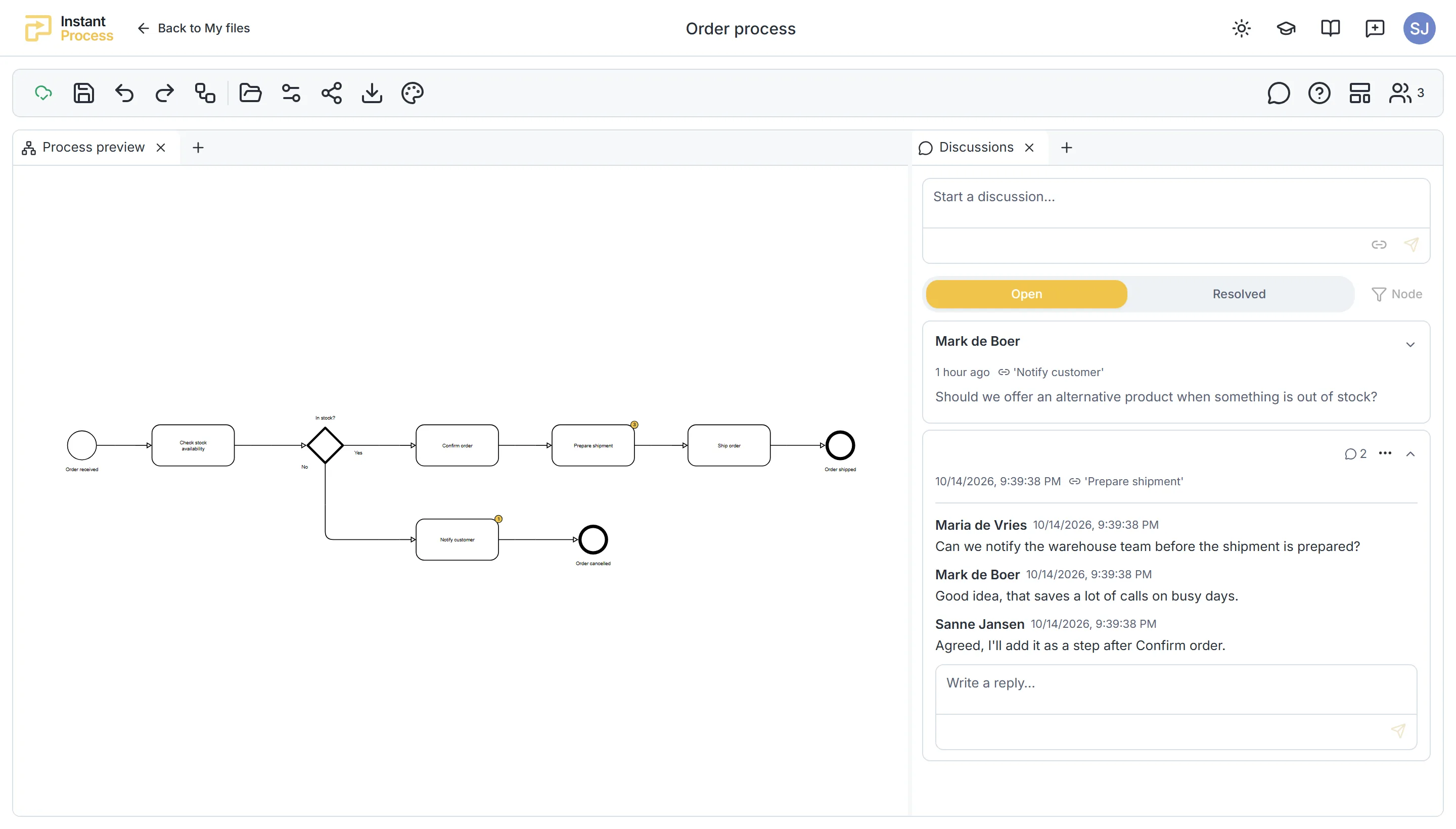
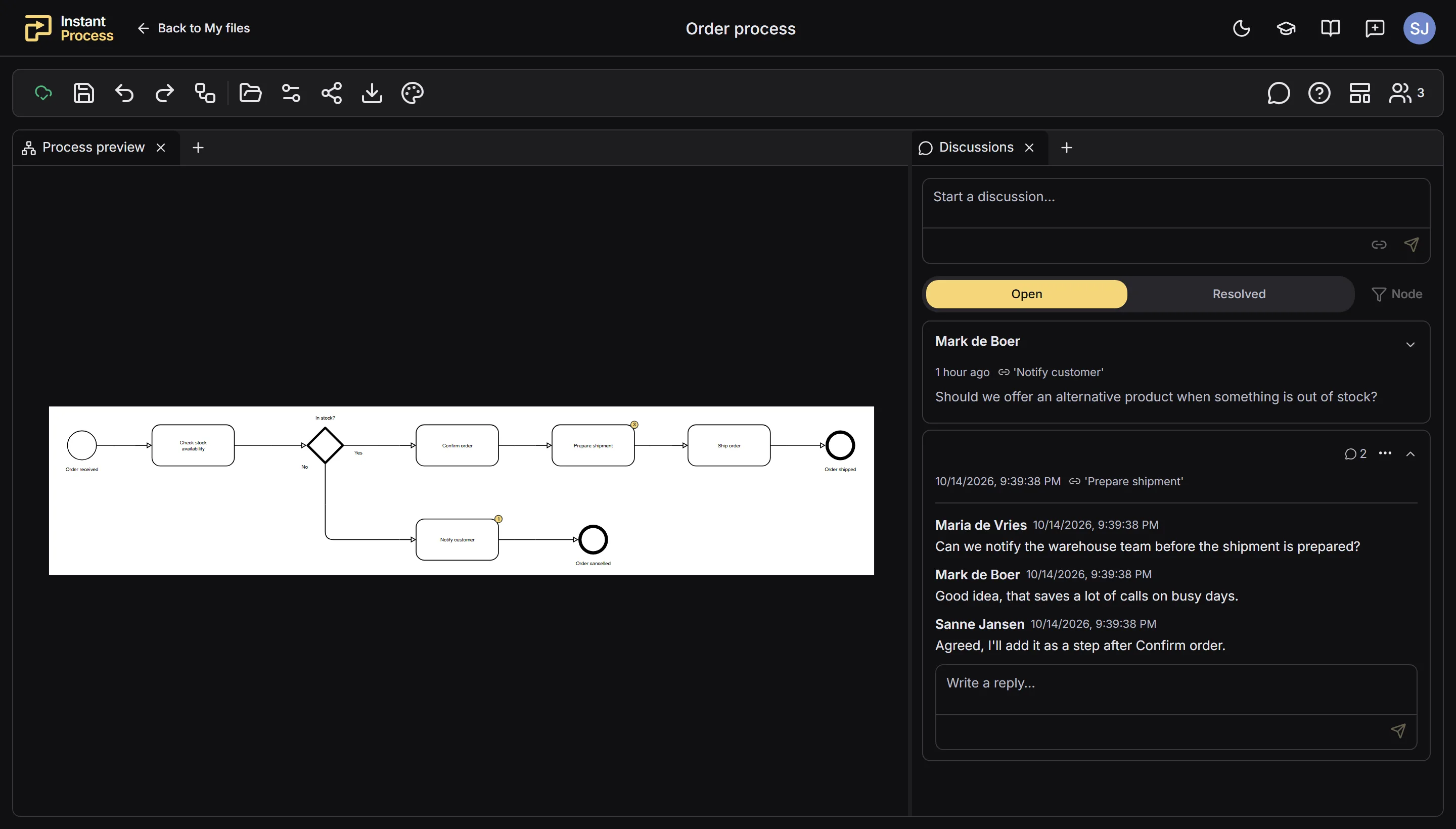
Share process diagrams, gather feedback, and discuss improvements through comments. Instead of exchanging multiple versions of diagrams, teams can work from a shared process environment where documentation can be reviewed and updated.
This helps organizations maintain consistent process documentation and keep everyone aligned on how processes work.
Make changes in seconds.
Business processes change over time, and keeping documentation up to date should not require rebuilding entire diagrams.
With Instant Process, you can modify activities, decisions, and process flows directly in the modeling language. The corresponding BPMN diagram updates automatically, reducing the time spent rearranging shapes and connections.
This makes it easier to explore different process scenarios, incorporate stakeholder feedback, and maintain accurate process documentation.
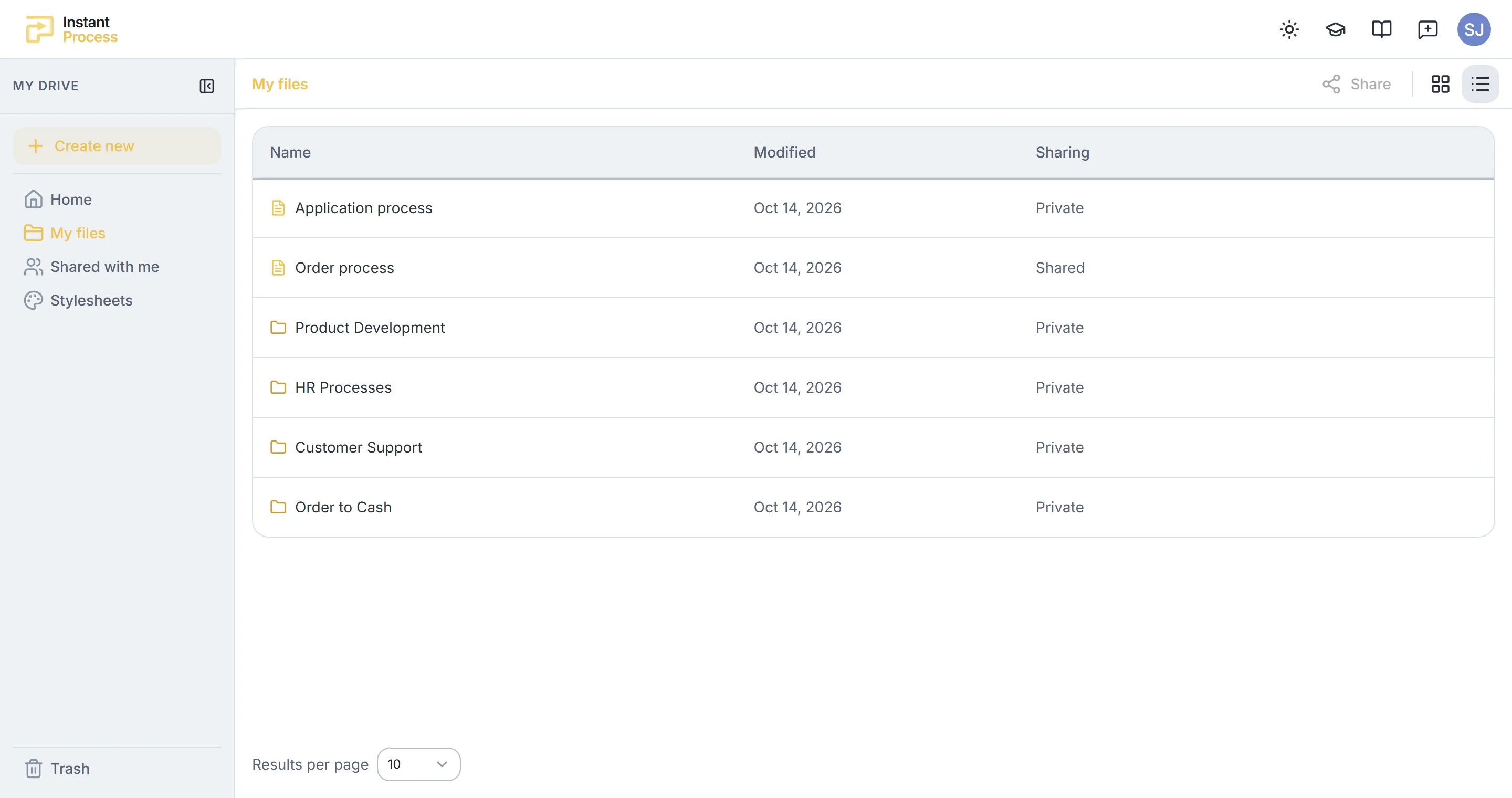
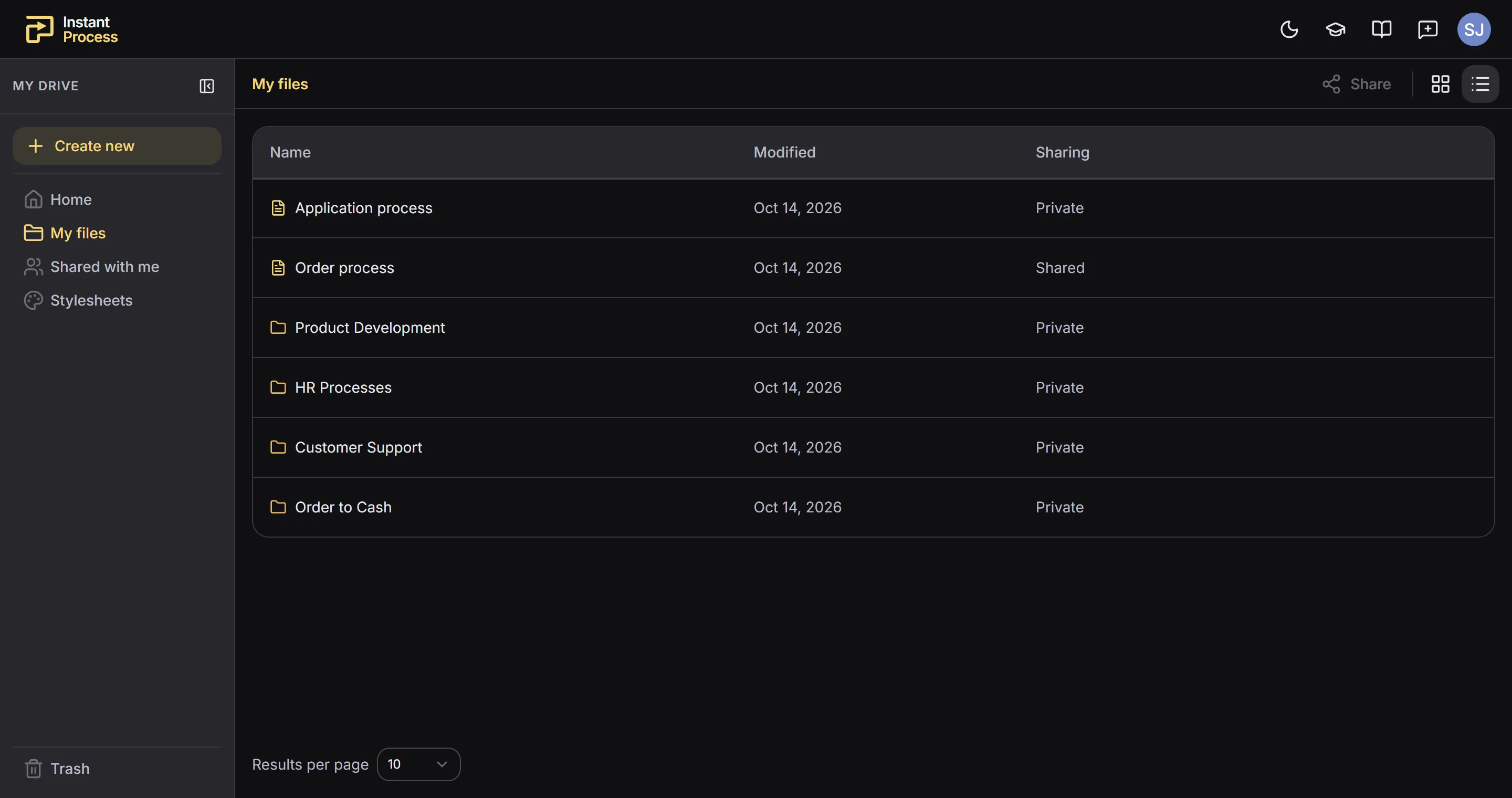
Organize and manage your process library.
Instant Process provides a dedicated environment for organizing and managing your business process models.
Create and maintain a process library, organize processes and subprocesses, and keep related documentation together. Whether you are documenting a single workflow or managing processes across a team, Instant Process helps you keep your models accessible and organized.
By combining process modeling, documentation, and collaboration in one platform, teams can spend less time managing diagrams and more time understanding and improving their processes.